
Productivity
Digital Site Records Are the Norm: How to Get Ahead
Joseph, Co-founder
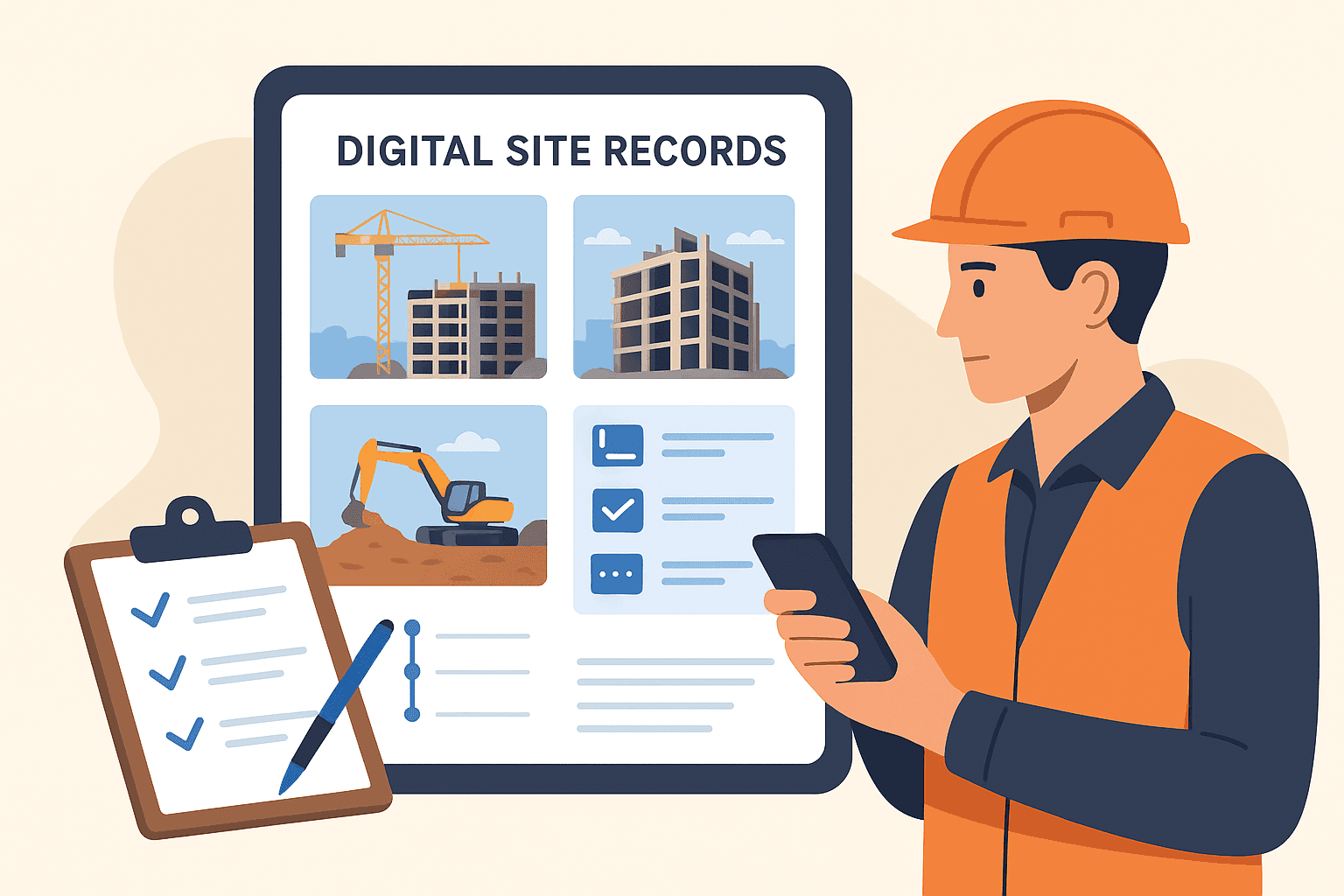
Image Credit:
Otus.build
Digital site records are project documents, photos, inspections and reports captured on site and stored in one searchable system, with the date, author and location attached automatically. In Singapore the direction is set: CORENET X became mandatory on 1 October 2026 for new projects of 5,000 m² gross floor area and above, and BCA already accepts virtual inspections and remote supervision built on digital evidence. Site records are following the same path.
The shift from paper logs
For decades, sites ran on paper logs, clipboards and binders. That system cannot keep up with today's coordination load, compliance requirements and client expectations. Digital records replace it with information captured once, in the field, and visible to everyone who needs it.
Where Singapore is heading
Change | What it means on site |
|---|---|
CORENET X mandatory for new projects ≥5,000 m² GFA from 1 October 2026 (URA/BCA circular) | Regulatory submissions are coordinated and digital from the start |
BCA virtual TOP/CSC inspections | Inspectors review 360 captures and photo evidence remotely. See our capture checklist |
BCA Remote Site Supervision Guidebook V2 (July 2026) | Some structural supervision can rely on recorded photo and video evidence. See what QPs need |
Why early adoption matters
Transparency: timestamped, located photo records that everyone can see.
Fewer disputes: verified evidence of work done, at the time it was done.
Collaboration: one platform for the whole project team.
Compliance: inspection and safety records logged consistently, ready when an authority asks.
Manual vs digital site records
Manual documentation | Digital site records |
|---|---|
Handwritten notes prone to errors | Automatic timestamps and authors |
Photo files lost in email and chat threads | Central storage with tags and plan locations |
Slow reporting delays decisions | Daily reports generated from the record |
Limited collaboration | Real-time access for all stakeholders |
Five steps to get started
Identify the biggest pain. For most teams it is finding photos and closing defects, not scheduling.
Choose a tool the field will use. Look for plan pinning, tags at capture, offline mode and unlimited users, so nobody is left on WhatsApp.
Train with a real site walk, not a slide deck.
Start with one project, then roll out company-wide once the routine sticks.
Measure it. Track time to find a photo, time to produce a report and defects closed per week.
FAQ
What is a digital site record?
A centralised record of project information captured on site (notes, photos, reports, inspections, compliance documents) with automatic date, author and location data.
How does a construction photo app help?
It captures timestamped photos pinned to the plan, so records are accurate, verifiable and easy to find.
Are digital site records secure?
Good platforms use encrypted storage and role-based access. Check where data is hosted and who can see what.
Do digital tools replace project managers?
No. They remove admin so managers spend more time on decisions.
How do I measure the return?
Compare hours spent searching for photos and building reports before and after, plus the number of disputes resolved with photo evidence.
Related guides
Start on the Otus Free plan, up to 3 projects. See pricing.