Productivity
Photo Management
What Site Supervisors Need From a Photo App
Joseph, Co-founder

Image Credit:
Pexels
A site supervisor needs a photo app that answers three questions without a phone call: where was this taken, who took it, and has it been fixed. Phone galleries and chat groups answer none of them, which is why the same photo gets hunted for, re-sent and re-explained several times a week.
Where a supervisor’s week goes
A study that tracked 24 superintendents over a month found work planning took only 15% of their time. Most of the rest went to supervising, coordinating and chasing information. The FMI and PlanGrid survey of 599 construction leaders put a number on the chasing: 14.1 hours a week on non-optimal work, made up of:
5.5 hours looking for project data
4.7 hours on conflict resolution
3.9 hours dealing with mistakes and rework
That is about 35% of a working week. Site photos sit in the middle of all three, so this is where a better photo workflow pays back first.
A supervisor’s day, and where photos slow it down
Morning: finding last week’s photo
You need to check a detail from last week’s install before the next trade covers it. The photo exists, but it could be in your gallery, a chat group or a colleague’s phone. Scrolling past near-identical shots of the same corridor is where much of that 5.5 hours goes.
What the app should do: filter by tag, level, author and date, so the photo turns up in seconds instead of after a scroll.
Midday: a defect with no context
You send a photo of a defect and the reply is “Which unit is this?” A photo without a location turns into a phone call, and sometimes a second visit to the same spot.
What the app should do: pin every photo to its spot on the plan, with the camera direction, so the location travels with the image.
Afternoon: closing it out
The subcontractor says the defect is fixed. Without a photo of the fix next to the original, you either walk back to check or take their word for it.
What the app should do: turn the photo into an issue that is assigned, fixed and closed with a before and after photo at the same pin.
End of day: the report
Reports built at a desk mean pulling photos out of chats, renaming them and typing captions. That work usually lands in the evening.
What the app should do: export a PDF or PowerPoint report from the day’s tagged photos, straight from your phone.
Months later: the dispute
FMI and PlanGrid found 52% of rework globally traces back to poor data and miscommunication. When a claim or defect dispute arrives, the question is whether your record shows who took each photo, when and where.
What the app should do: stamp every photo with the date, author and plan location automatically, and keep it in one project album that outlasts staff changes.
Checklist: what to look for in a site photo app
Need | Why it matters on site | Check for |
Search | 5.5 hours a week go to looking for data | Filters by tag, author, location and date |
Plan location | Removes “where is this?” calls | Pin to plan with camera direction |
Issue tracking | Closes defects without a return walk | Assign, fix and close with photo proof |
Reports | Keeps reporting out of your evenings | PDF and PowerPoint export from the phone |
Evidence | Holds up in claims and disputes | Automatic date, author and location |
Access | Subcontractors close their own items | Free contributor access, no app install |
Offline | Basements and new blocks have no signal | Offline capture that syncs later |
How Otus fits
Otus was built by an architect who spent years on site walks, and it covers each line of that checklist. Photos are pinned to the plan with direction, tagged at capture and searchable with AI. Issues close with photo proof, reports export to PDF or PowerPoint from the phone, and capture works offline. Contributors you invite to close issues don’t count as paid seats.
FAQ
Can’t I just use WhatsApp for site photos?
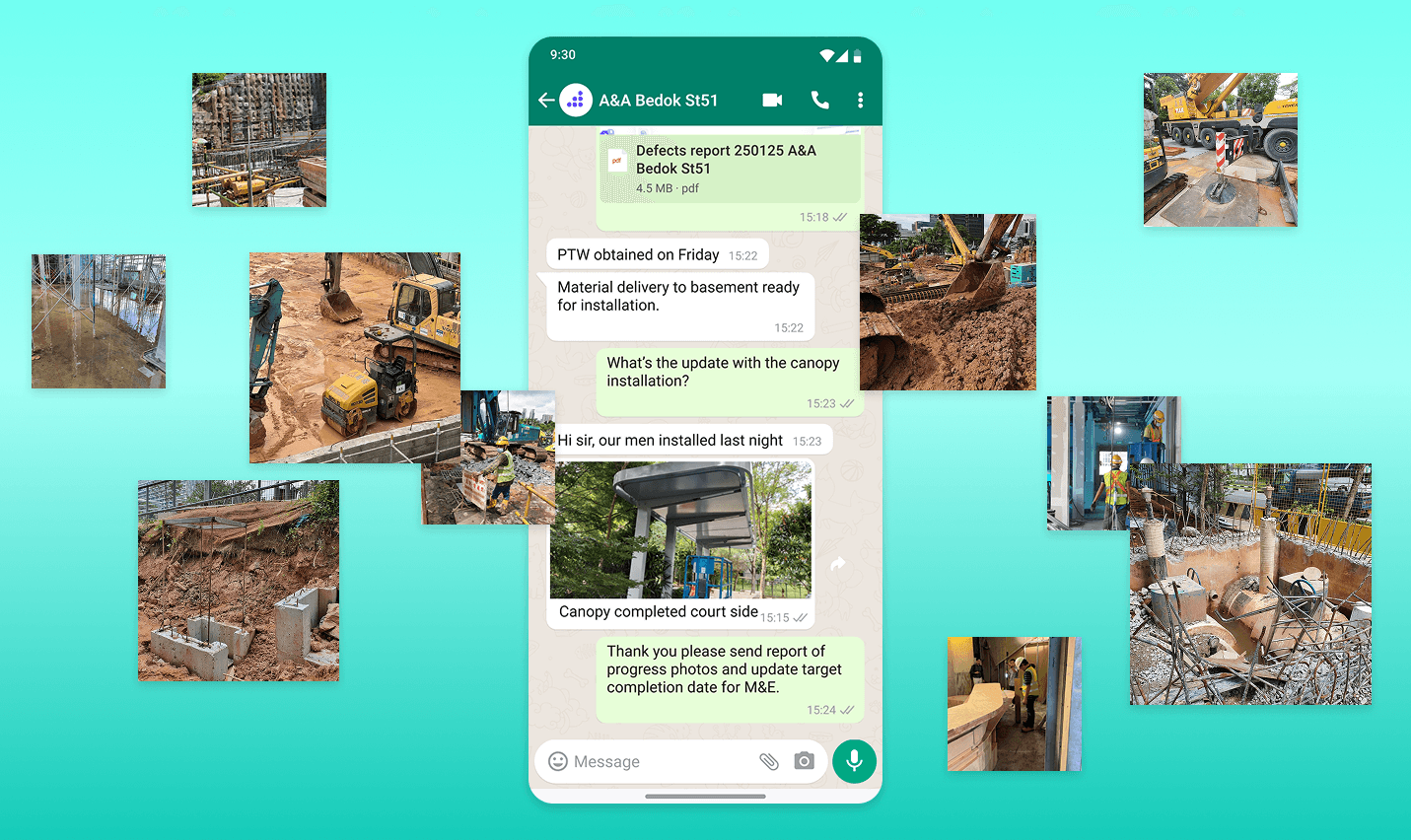
For sending a photo, yes. For finding it again, no. Chat groups compress images, drop the location and bury photos under messages, so the record falls apart once a project runs past a few weeks.
Will my team actually use it?
Only if capture takes no longer than a normal phone photo. Look for one tap on the plan, one photo, two or three tags and a voice note. Anything longer gets skipped on a busy day.
Does it work without signal?
It should. Basements, cores and new blocks often have no coverage. Check that the app captures offline and syncs later without losing the pin or the tags.
Related guides
Try it on your next site walk with the Otus Free plan, free for up to 3 projects. See pricing.