Photo Management
We're at 1,000 photos!
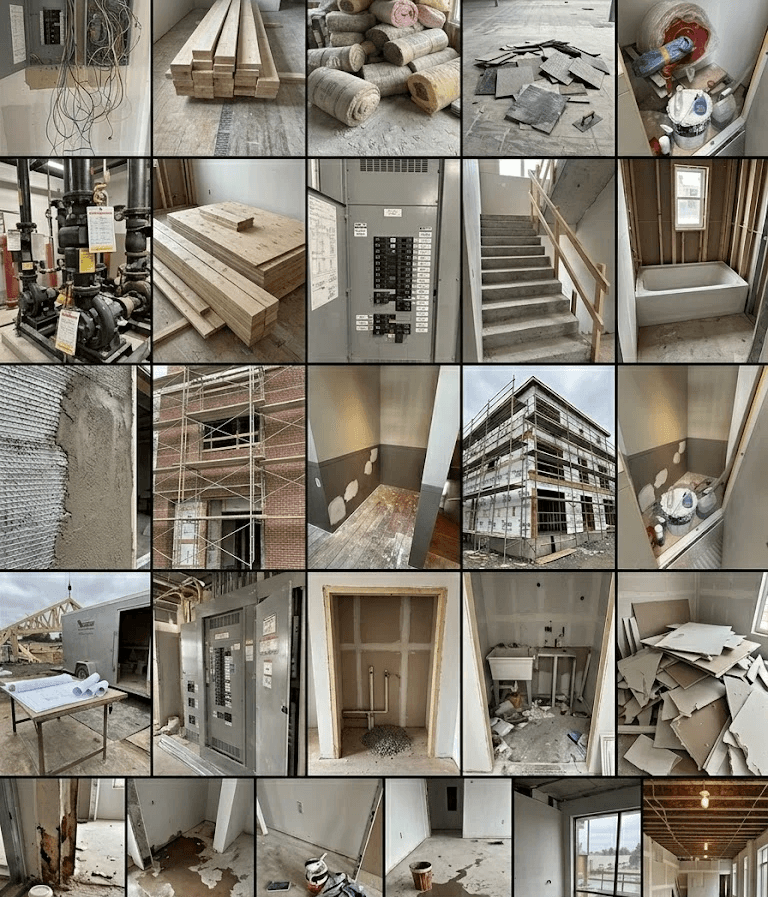
Image Credit:
Otus.build
1,000 Construction Photos and Counting
What happens when site documentation finally works the way it should? No duplicate photos. No endless WhatsApp threads. No confusion over “latest version.” Just one report, one discussion, done.
That’s exactly what we’re seeing as Otus crosses nearly 1,000 photos captured—a small milestone with massive implications for how teams handle construction photo documentation.
The Hidden Problem: Photo Chaos in Construction
Before digital tools, site teams relied on:
WhatsApp for sharing construction work site pictures
Manual folders to store images
Repeated uploads across reports
Endless back-and-forth to clarify issues
The result?
Problem | Impact |
|---|---|
Duplicate photos | Wasted storage & confusion |
Scattered communication | Missed issues & delays |
Manual reporting | Hours of admin work |
No central source | Version control problems |
This isn’t just inefficient - it directly impacts construction project management outcomes.
The Shift: One Photo, Multiple Value Streams
With Otus as a construction photo app, every image captured becomes a single source of truth.
What changes immediately:
📸 Capture once → auto-organized
🏷️ Instant construction tag on-site
📍 Geotag photo app capabilities for traceability
🗺️ Photo pin to plan for visual clarity
📝 Auto-generated reports
No more re-uploading. No more duplication.
1,000 Photos Later - What We’re Seeing
This milestone isn’t about volume. It’s about behavior change.
Key outcomes observed:
Outcome | Business Impact |
|---|---|
50–70% less time on reporting | Faster project cycles |
Zero duplicate photo sharing | Cleaner workflows |
Centralized discussions | Better decision-making |
Faster issue resolution | Reduced rework costs |
Teams are now using Otus as their construction reporting app and construction collaboration software—not just a camera tool.
One Report. One Conversation. Done.
Here’s the real breakthrough:
Instead of:
Sending photos on WhatsApp
Re-uploading into reports
Clarifying context repeatedly
You now get:
A single report
Linked to actual site photos
Tagged, timestamped, and organized
This transforms daily site reporting into a frictionless process.